Computers are an essential part of our daily life from smartphones and laptops to large systems used in banks, research centers, and space agencies. But did you know that computers are classified into different types based on size, purpose, and working method?
In this article, you’ll learn different types of computers, their classification, key features, and real-life examples in easy language.
What Is a Computer?
A computer is an electronic machine that accepts data (input), processes it, and produces meaningful information (output). It works on instructions called programs and helps humans perform tasks faster and more accurately.
Classification of Computers
Computers can be classified into the following main categories:
- Based on Working Principle
- Based on Size and Capacity
- Based on Purpose
- Based on Portability
Let’s understand each type one by one.
Based on Working Principle
1. Analog Computers
Analog computers work with continuous data such as temperature, speed, or pressure.
Features:
- Deal with physical quantities
- Less accurate than digital computers
- Used in scientific and engineering fields
Examples:
- Speedometer
- Thermometer
- Analog clocks
2. Digital Computers
Digital computers work with binary data (0 and 1) and are the most commonly used computers today.
Features:
- High accuracy
- Fast processing
- Easy to store and retrieve data
Examples:
- Desktop computer
- Laptop
- Smartphone
- Calculator
3. Hybrid Computers
Hybrid computers combine the features of both analog and digital computers.
Features:
- High speed and accuracy
- Used in real-time systems
Examples:
- ECG machines
- Weather forecasting systems
- Medical monitoring devices
Based on Size and Capacity
1. Supercomputer
Supercomputers are the fastest and most powerful computers in the world.
Features:
- Extremely high processing speed
- Very expensive
- Used for complex calculations
Examples:
- Weather forecasting
- Space research (ISRO, NASA)
- Nuclear research
2. Mainframe Computer
Mainframe computers handle large volumes of data and support multiple users simultaneously.
Features:
- High storage capacity
- Reliable and secure
- Used by large organizations
Examples:
- Banks
- Insurance companies
- Railway reservation systems
3. Minicomputer
Minicomputers are medium-sized computers used by small to medium organizations.
Features:
- Less powerful than mainframes
- Supports multiple users
Examples:
- Small business servers
- Manufacturing units
4. Microcomputer
Microcomputers are the most commonly used computers for personal work.
Features:
- Affordable
- Compact size
- Easy to use
Examples:
- Desktop computer
- Laptop
- Tablet
- Smartphone
Based on Purpose
1. General-Purpose Computers
These computers are designed to perform multiple tasks.
Features:
- Versatile
- Used in daily life
Examples:
- PCs
- Laptops
- Smartphones
2. Special-Purpose Computers
Special-purpose computers are designed to perform one specific task.
Features:
- Task-specific
- High efficiency
Examples:
- ATM machines
- Washing machine controllers
- Traffic light systems
Based on Portability
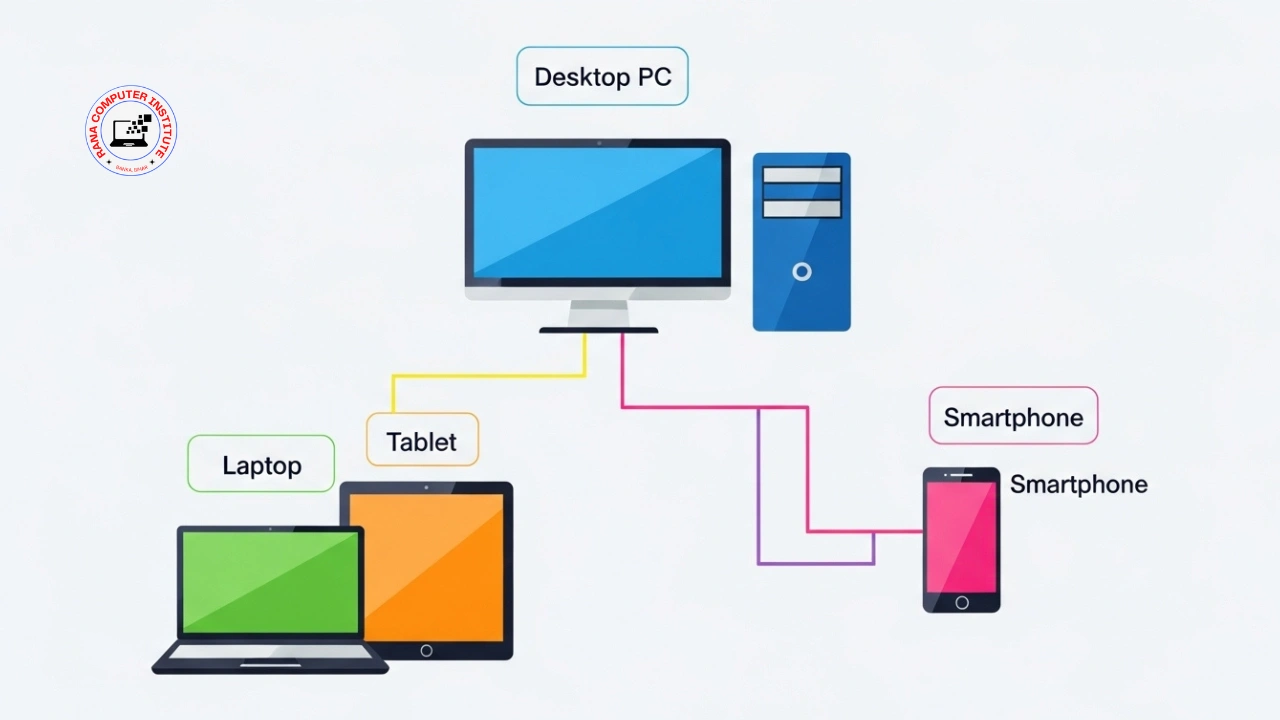
1. Desktop Computer
A desktop computer is a non-portable system kept on a desk.
Features:
- High performance
- Larger screen and keyboard
Example:
- Office and school computers
2. Laptop
A laptop is a portable computer that can be used anywhere.
Features:
- Lightweight
- Battery powered
Example:
- Student and professional laptops
3. Tablet
Tablets are touch-screen computers smaller than laptops.
Features:
- Easy to carry
- Touch-based input
Examples:
- iPad
- Android tablets
4. Smartphone
Smartphones are hand-held computers with calling and internet features.
Features:
- Highly portable
- Multi-functional
Examples:
- Android phones
- iPhones
Summary Table: Types of Computers
| Classification | Type | Example |
|---|---|---|
| Working Principle | Analog | Thermometer |
| Working Principle | Digital | Laptop |
| Size | Supercomputer | Weather systems |
| Size | Mainframe | Banking systems |
| Purpose | Special | ATM |
| Portability | Laptop | Student laptop |
Conclusion
Computers come in many forms and types, each designed for specific needs. From powerful supercomputers to small smartphones, every type of computer plays an important role in modern life. Understanding these types helps students, beginners, and exam aspirants build a strong foundation in computer knowledge.

Hi, I’m Rajesh Rana, a Computer Trainer and the founder of
Rana Computer Institute. I teach practical, job-oriented courses like
DCA, ADCA, Tally Prime,
Web Development, and Digital Marketing.
My goal is to explain computer concepts in a simple way so students can confidently use
these skills in real life, jobs, and online work.