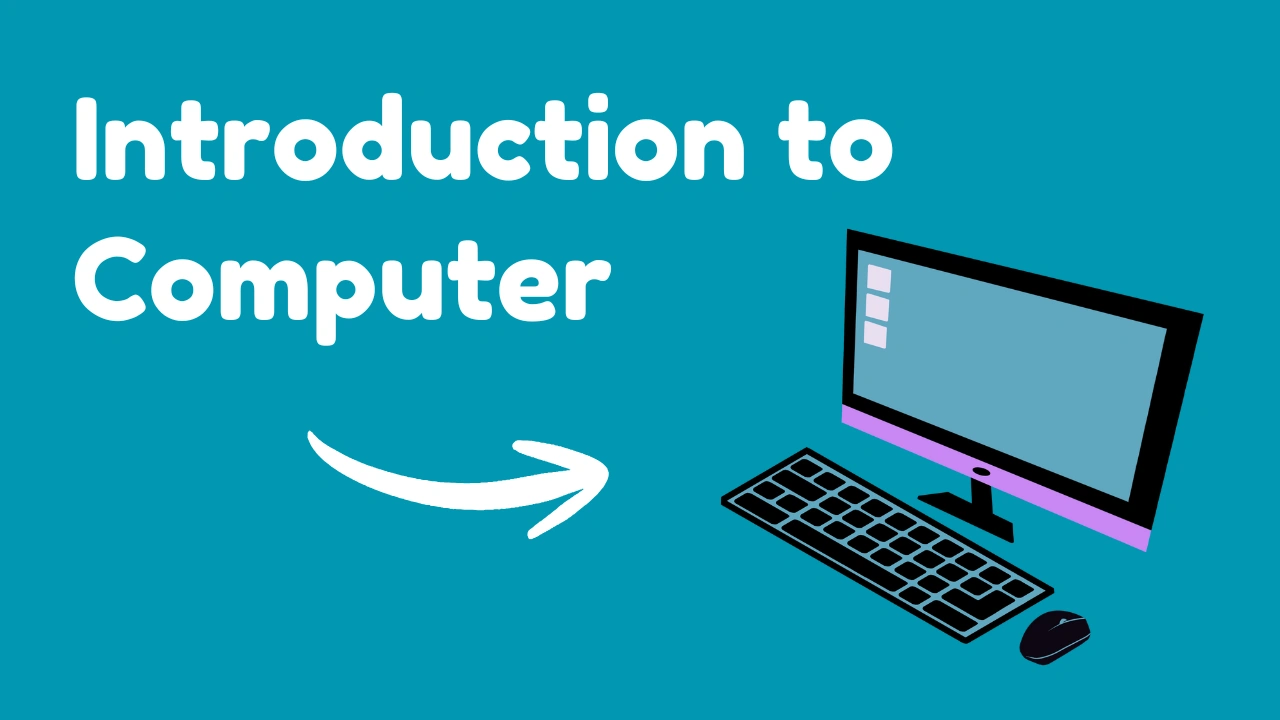
In today’s world, computers are everywhere. From smartphones and ATMs to schools, hospitals, and offices, computers quietly power most of our daily activities. Yet many beginners still ask a simple but important question: what is a computer, and how does it actually work?
This article offers a clear and complete introduction to computer basics, written especially for beginners, students, and exam aspirants. We’ll cover the definition of computer, its parts, hardware and software, functions, types of computer, computer memory, and the uses of computer in real life step by step, without jargon or fluff.
The explanations are based on standard academic sources such as NCERT, Britannica, and well-established computer science principles, ensuring accuracy and trustworthiness.
What Is a Computer?
A computer is an electronic machine that accepts data as input, processes it according to a set of instructions, and produces meaningful output. It can also store data for future use.
In simple words, a computer helps humans perform tasks faster, more accurately, and more efficiently than manual methods. Whether it is calculating marks, writing an email, or analyzing large datasets, a computer follows instructions to get the job done.
This basic idea forms the foundation of all computer-related studies.
Definition of Computer
One of the most widely accepted academic definitions comes from standard computer science textbooks:
A computer is an electronic device that processes raw data into meaningful information using a set of instructions called programs.
This definition highlights three core aspects:
- Input (data)
- Processing (instructions)
- Output (information)
Authoritative references such as Encyclopaedia Britannica and NCERT Computer Studies use similar definitions, making it a reliable explanation for exams and academic learning.
Computer Basics: How a Computer Works
Understanding computer basics becomes easy when you break the process into simple steps:
- Input – Data is entered into the computer using input devices like a keyboard or mouse
- Processing – The CPU processes the data using instructions
- Output – The processed result is displayed on a screen or printed
- Storage – Data and results can be saved for future use
This cycle is known as the IPO cycle (Input–Process–Output) and is a fundamental concept taught worldwide.
Parts of Computer
To understand how a computer works physically, we need to look at the main parts of computer. These parts work together as a system.
Main Parts of a Computer
- Input devices
- Central Processing Unit (CPU)
- Output devices
- Storage devices
Each part has a specific role, and none of them work effectively in isolation.
Hardware and Software
A computer system is made up of two essential components: hardware and software.
Hardware
Hardware refers to the physical parts of a computer that you can see and touch. Examples include:
- Keyboard
- Mouse
- Monitor
- CPU
- Hard disk
- Printer
Hardware performs the actual physical work of processing and displaying data.
Software
Software refers to programs and instructions that tell the hardware what to do. Without software, hardware is useless.
Common examples include:
- Operating systems (Windows, Linux, macOS)
- Applications (MS Word, web browsers, media players)
According to IBM’s computing fundamentals, software acts as the bridge between the user and the hardware.
Functions of Computer
A computer performs four basic functions, regardless of its size or type.
1. Input Function
The computer accepts data and instructions from the user through input devices.
2. Processing Function
The CPU processes the data using arithmetic and logical operations.
3. Output Function
The computer presents the processed information in a readable form.
4. Storage Function
The computer stores data, programs, and results for future use.
These functions explain why computers are reliable, fast, and consistent tools.
Types of Computer
Computers come in different forms based on size, capacity, and purpose. Understanding the types of computer helps learners relate technology to real-world use.
1. Supercomputers
Used for highly complex tasks like weather forecasting, space research, and scientific simulations.
2. Mainframe Computers
Used by large organizations such as banks and government departments to process massive amounts of data.
3. Minicomputers
Mid-range computers, mostly used in small organizations (less common today).
4. Microcomputers
The most common type, including:
- Desktop computers
- Laptops
- Tablets
- Smartphones
According to Britannica, microcomputers have revolutionized personal and professional computing.
Uses of Computer
The uses of computer span almost every field of modern life.
Education
- Online classes and exams
- Digital libraries
- Research and project work
Business
- Accounting and payroll
- Data analysis
- Communication and marketing
Healthcare
- Patient records
- Medical imaging
- Hospital management systems
Banking
- Online banking
- ATMs
- Secure transactions
Entertainment
- Movies, music, and games
- Content creation
Government and Public Services
- Digital records
- Online services
- Data management
These examples show why computers are considered essential tools in today’s society.
Computer Memory
Computer memory is the component that stores data, instructions, and results. Memory plays a crucial role in computer performance.
Types of Computer Memory
Primary Memory
- RAM (Random Access Memory)
- ROM (Read Only Memory)
RAM is temporary and volatile, while ROM stores permanent instructions.
Secondary Memory
- Hard disk
- SSD
- Pen drive
- Memory card
Secondary memory is non-volatile and used for long-term storage.
According to NCERT, the combination of primary and secondary memory allows computers to work efficiently and reliably.
Also Read: ADCA Course: Full Form, Syllabus, Fees, Duration, and Career Scope Explained
Why Learning Computer Basics Matters
Learning computer basics is no longer optional. It helps:
- Students prepare for competitive exams
- Professionals work efficiently
- Individuals stay digitally literate
Even basic knowledge improves problem-solving skills and boosts confidence in a technology-driven world.
Conclusion
This introduction to computer explains the core concepts every beginner should know. We explored what is a computer, the definition of computer, parts of computer, hardware and software, functions of computer, types of computer, uses of computer, and computer memory in a clear and structured way.
Computers may look complex at first, but once the basics are understood, everything else becomes easier. Whether you are a student, job seeker, or curious learner, mastering these fundamentals is the first step toward digital confidence.
In short, computers don’t replace human thinking—but they make thinking faster, smarter, and far more powerful.

Hi, I’m Rajesh Rana, a Computer Trainer and the founder of
Rana Computer Institute. I teach practical, job-oriented courses like
DCA, ADCA, Tally Prime,
Web Development, and Digital Marketing.
My goal is to explain computer concepts in a simple way so students can confidently use
these skills in real life, jobs, and online work.